

Hi everybody,
Not sure which part of the Topic is relevant. eBlocker works flawlessly for my iMac, iPad and iPhone.
Have an 'Aluminium' MacBook5.1 which i didn't use because it was extremely slow, in spite of a new SSD drive. So i dumped OS X El Capitan, installed Linux Mint and ran into the following.
On all my Apple-devices i use the Vivaldi Browser because (IMHO) it is better than Safari and the latter doesn't sync anymore notwithstanding hours (!) of phone-support by Apple for my iMac. For both Linux and Vivaldi i enclose a screenshot with info.
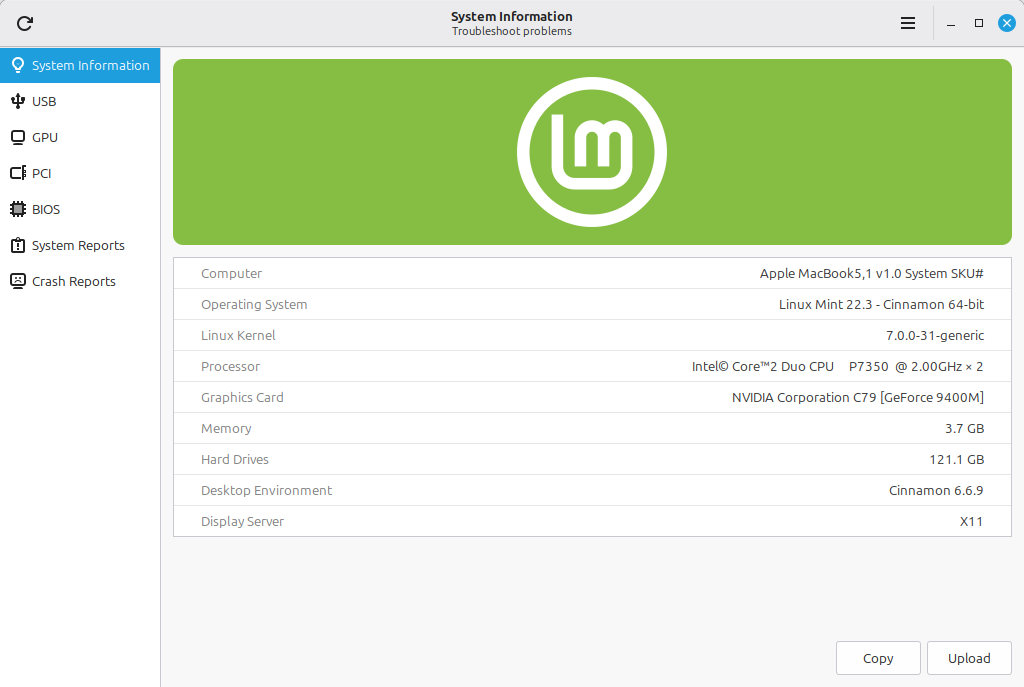
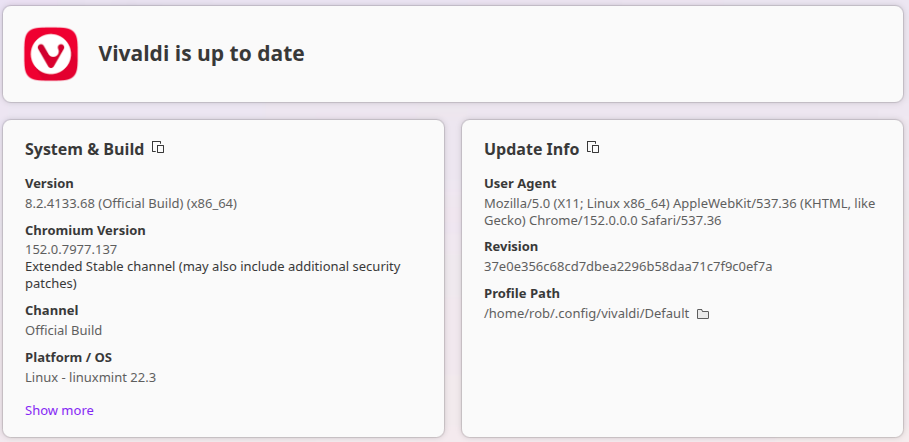
Now, when trying to install an eBlocker certificate in Vivaldi, i get (see screenshot)
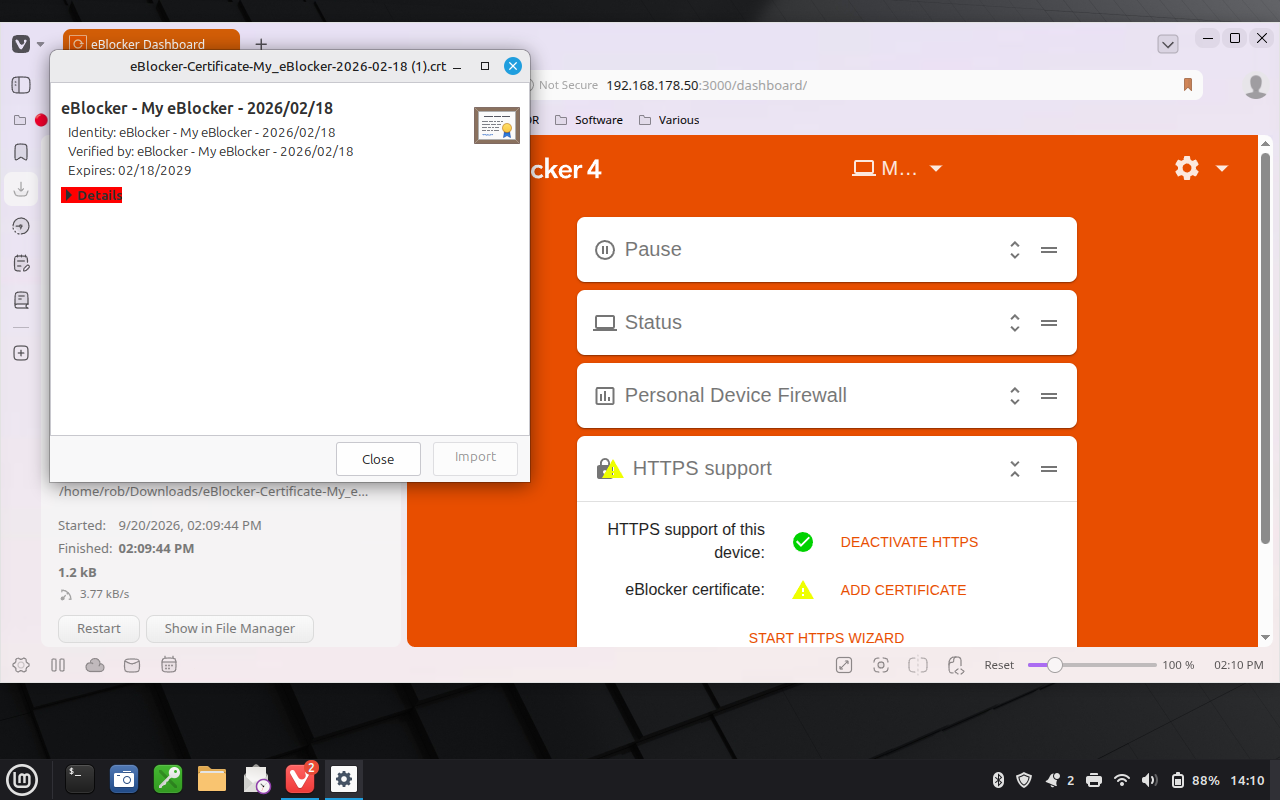
where the button to Import the certificate in the appropriate database is GRYED OUT and i can't use the eBlocker properly for my MacBook (still a very nice and skillfully engineered machine!).
Don't know where/what the problem is; maybe it's me 🙁 but if somebody could give a hint?
Rob
@robf Sorry mate, I don't know Linux on desktop plus Vivaldi. But this is what I found in the doc:
https://eblocker.org/community/main-forum/linux-version-of-vivaldi-and-eblocker/
Please let me know if it helped.
BTW: My AI-agent just gave me this:
-- snip: AI answer --
Hi Rob,
good news: the certificate itself is fine (it's valid until 18/02/2029, and HTTPS is already active on your eBlocker). The problem is where you're trying to import it.
Why the "Import" button stays greyed out
The dialog in your screenshot is only a certificate viewer. When you double-click the .crt file in the file manager, Vivaldi opens this read-only view — and on Linux builds, the "Import" button in that viewer is permanently disabled. It's expected behavior, not a bug in the file.
Also worth knowing: Chromium-based browsers (Vivaldi, Chrome) on Linux do not read the system trust store. They use their own internal certificate database (NSS). So importing the file only into the OS (e.g. via update-ca-certificates) would help Firefox and command-line tools, but not Vivaldi.
Solution 1: Import via the browser's certificate settings (recommended, no root needed)
- In Vivaldi's address bar type:
chrome://settings/certificates - Click "Manage Certificates"
- Open the "Authorities" tab (not "My certificates")
- Click "Import" and select your file
eBlocker-Certificate-My_eBlocker-2026-02-18 (1).crt - When asked how to trust it, choose SSL: Always Trust
- Close Vivaldi completely (make sure no background processes remain) and start it again
- Test: load any HTTPS page — it should now work without warnings
Solution 2: Import via command line (most reliable)
If the GUI import still doesn't take, do it directly with NSS tools:
Note: newer Chromium releases (M146+) store the NSS database at ~/.local/share/pki/nssdb instead. If the command above fails or Vivaldi still complains, run the same certutil commands with -d sql:$HOME/.local/share/pki/nssdb.
Optional: also add it to the system trust store
This helps Firefox, curl, git, etc. (it won't fix Vivaldi on its own):
If pages still misbehave after the import
Check on your eBlocker: Admin → HTTPS → TRUSTED APPS. There are exceptions for user agents that eBlocker doesn't fully recognize (some Linux Mint variants included). If HTTPS pages render incorrectly (broken page instead of the blocking dialog), enable the exception for Linux Mint/Vivaldi there.
Let us know how it goes!
-- snip --
THX!
@random Thank you very much for your extensive help!
While trying to solve the problem, i ran into a kernel-panic with the result that i couldn't reboot; not from HD, not from a bootable USB, nor from the original Apple installation-DVD.
In the end i brought the old MacBook to the local Apple-dealer and bought myself a new MacBook Neo 🙃
"Investigate everything and remember the good things".
Best regards, Rob