Hi there
I am not sure where to mention this but I had a bit of confusion when I was getting started. On the main eBlockerOS Download page, it mentions that OS3 is no longer being supported and getting updates. But on the page "Boot eBlockerOS directly on PC", it points to a download for OS version 3 when "Boot-Image Download" is selected. Only the x86 OS image can be found on the forum when ideally it should be on the main website. Because of this, it is slightly unclear if OS3 for x86 is still being supported or not.
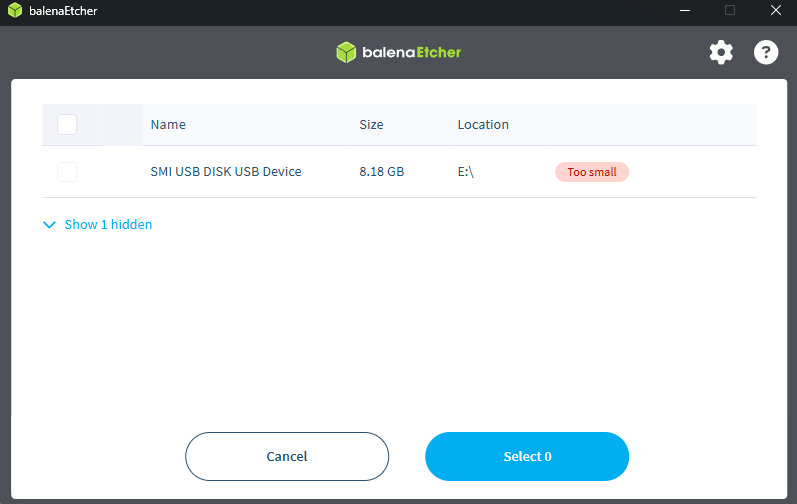
Additionally, it mentions a minimum disk size of 8GB but the disk image is not quite 8GB. And since most 8GB USB's/SSD are slightly smaller than 8GB from the factory, it won't fit on a 8GB SSD. Either the disk image should be shrunken down to fit on an 8GB SSD or the directions should be updated to require a 9GB USB/SSD. Using either disk image and trying to flash on an 8GB device will fail when using Etcher.
Other than those two things, I was able to get it working so far and just testing things out.