

Hi,
I just recognized that https-WebFiltering stopped working on all my devices (all Apple, iPad, iPhone and Mac), even though it used to work properly so far. On all these devices the function test shows
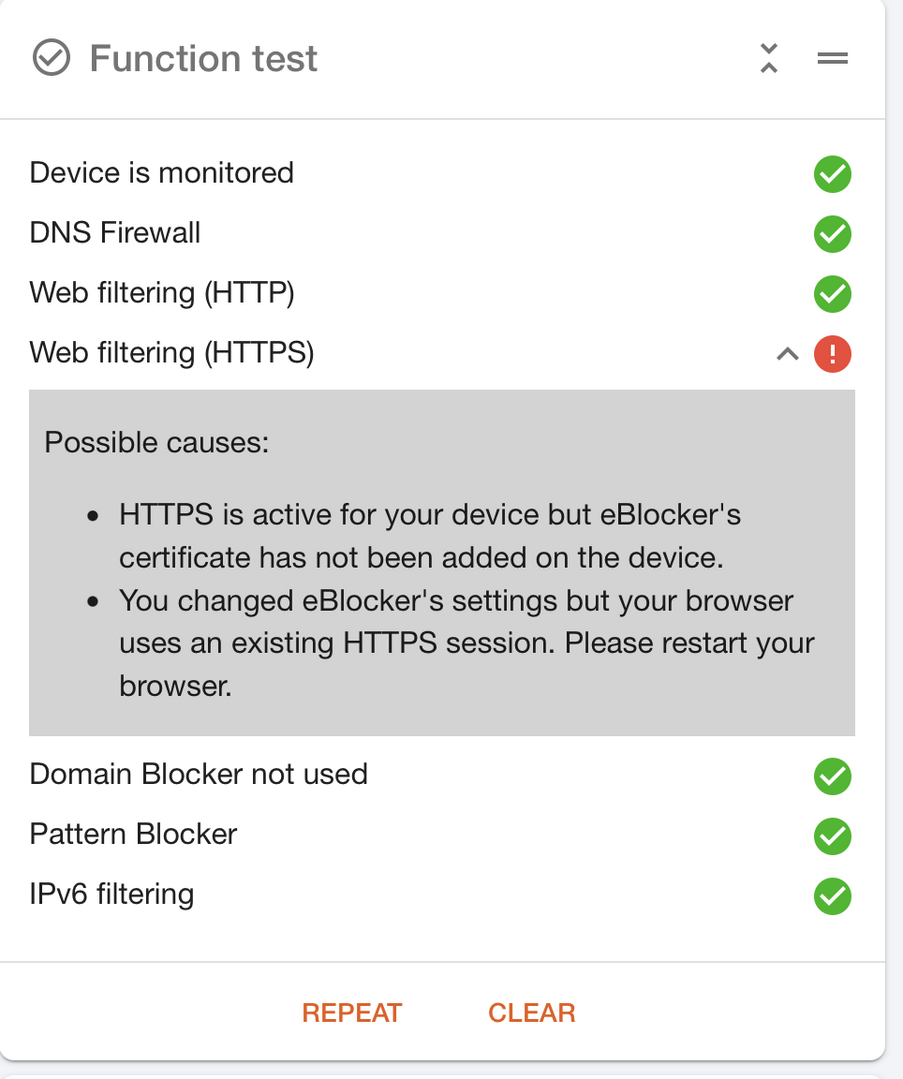
even though
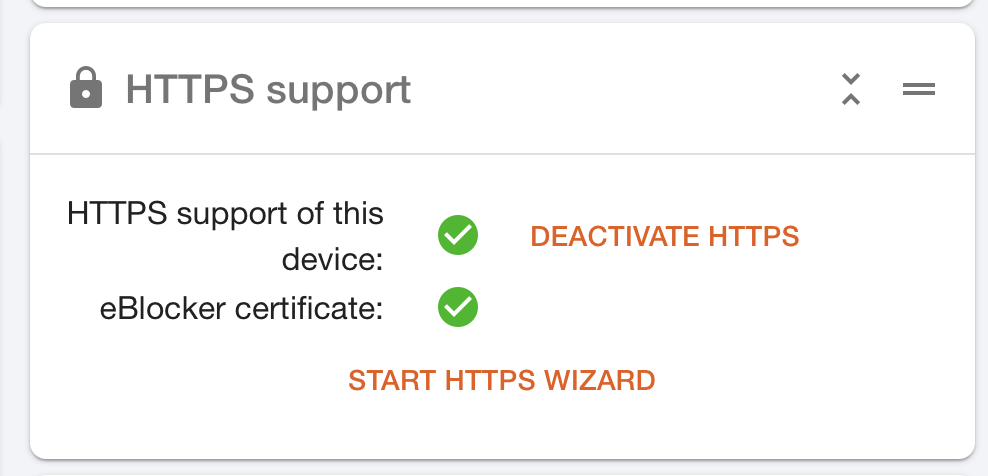
When starting the Wizard, then this message appears:
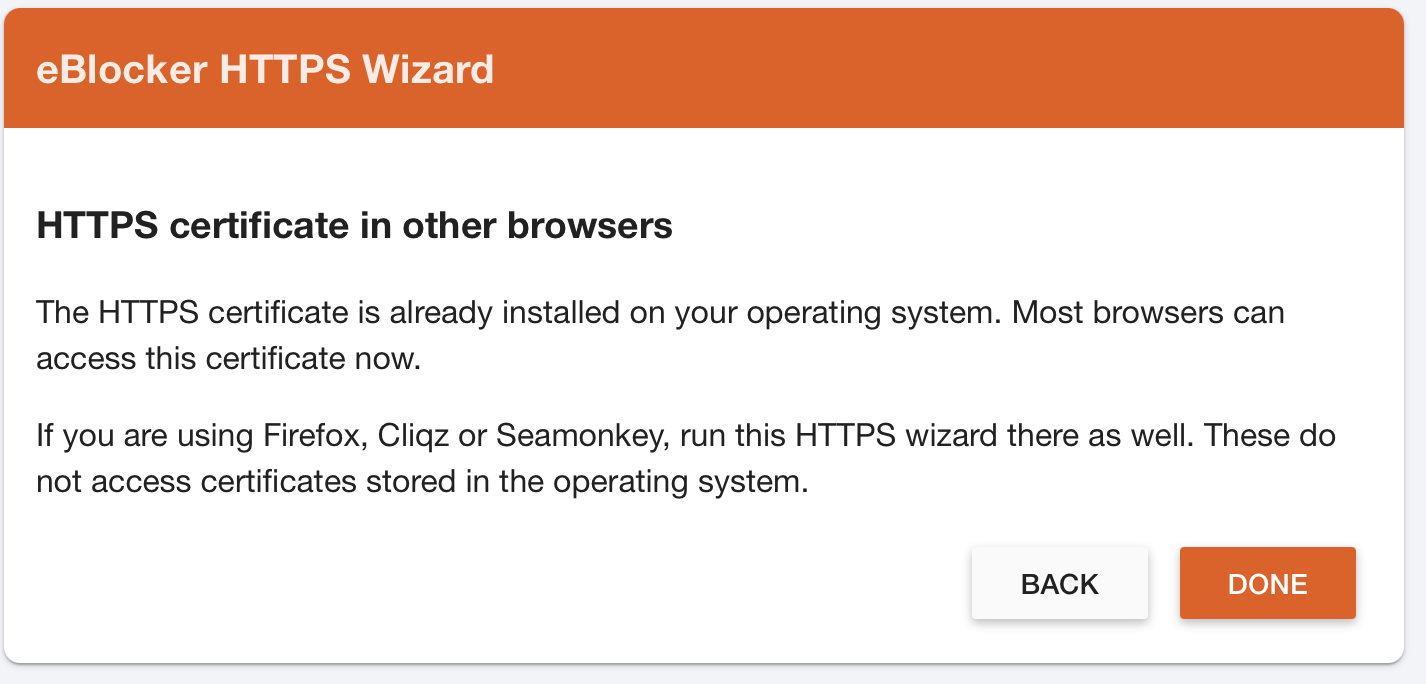
also not showing any obvious issue.
The certificate is valid until 2027, and it is/was installed properly on the devices.
I don't know where to further debug or analyze the issue. I tried to restart the browser, even rebooting both the device and the eBlocker. No changes. Any idea what could cause this issue?
@mr-bien Maybe it belongs to this issue here?
https://eblocker.org/community/bugs-features/safari-27-0-settings-reloading-loop/
Have you tried an other browser than safari?
br
Hi @calimero, I tried Safari, Chrome and Firefox on iOS, and Safari and Chrome on MacOS. No difference.