

Hi. As I continue my testing before rolling out eBlocker fully, I came across a problem today and need advice.
In short the speedtests when using eBlocker on a client the bandwidth is impacted too much.
Testing using Windows client, https enabled, cert added to firefox where the tests are made.
Test sites speed.cloudflare.com and fast.com.
eBlocker version 4 up to date. On a VM. First 2 GB memory, increased to 3 GB (yes not a multiple of 2) but when on 2 GB the usage peaked only to 90%. Removed the firewall from the virtio NIC, I am using VirtIO NIC as is the most performant. I have tested increasing to 2 and 4 queues for this NIC. MTU is same as bridge.
For CPU it was as per the VM definition with x86-64-v2-AES but I have also tested with "Host". The host cpu is modern Ryzen 5.
Results: eBlocker enabled on client, 10 Mbps. eBlocker paused for device, 160 Mbps fast.com, 128 speed.cloudflare . ISP contract 510 Mbps.
WiFi connection on 5 GHz band (channel 116), link speed 961/1081 Mbps, 802.11ax protocol. Sec: WPA3-Personal.
This particular corner of the house doesn't get full speed despite strong signal so the question is not why not full 500 Mbps but why 10 Mbps with eBlocker, 160 Mbps without ? Of course there will be a hit from doing MiM inspection but is this 16 X impact expected? Not a complaint, only wanting to understand and if there are suggestions on what to check.
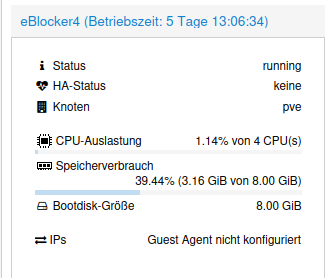
thank you for the suggsetion @Faber38 but the VM is only using 65% of the available memory, so it doesn't see to be what is limiting it. Any other thougths?
@cooks This phenomenon must be VM specific. A regular Raspi 5 runs 1.000 Mbit/s thruput with eBlockerOS 4.
I'm not a VM expert, but would suggest to boil the problem down to Client–>eBlocker–>Internet - leaving all your network "specialties" out of the communication. Using a wired connection is key for measurement!!
Maybe other VM users can share their bandwidth experience? @Calimero, @Fluffy, @bpr
THX!
Proxmox: eB v4, 4CPU (1 socket, 4 cores), 3GB RAM, SeaBios, virtIO network card
Telekom Fiber 1000/500 via WLAN Samsung S20
Fritz 5690Pro on actual BETA Labor firmware with 1200AX, 3000AX, 1260E PowerLanWLAN on 8.20
Netgear 8port, 24port managed Switches
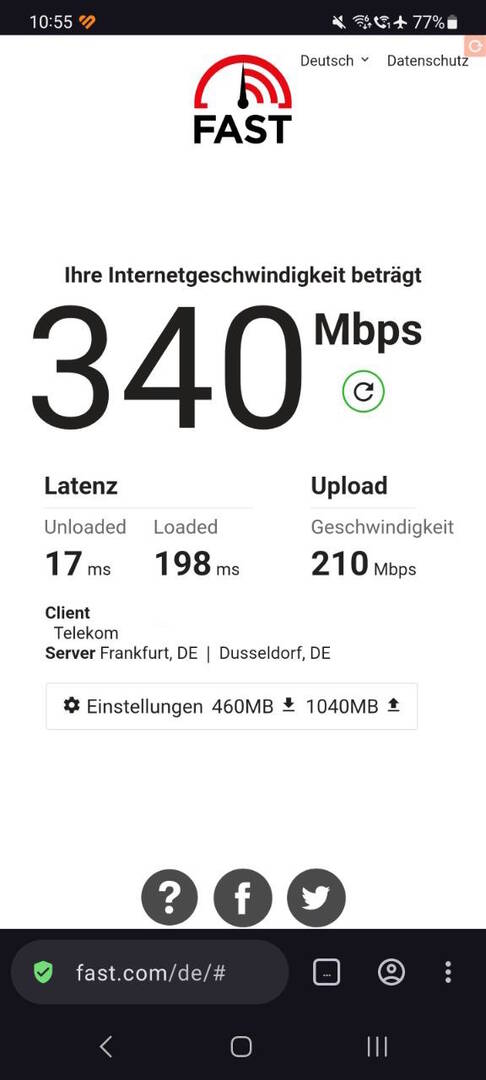
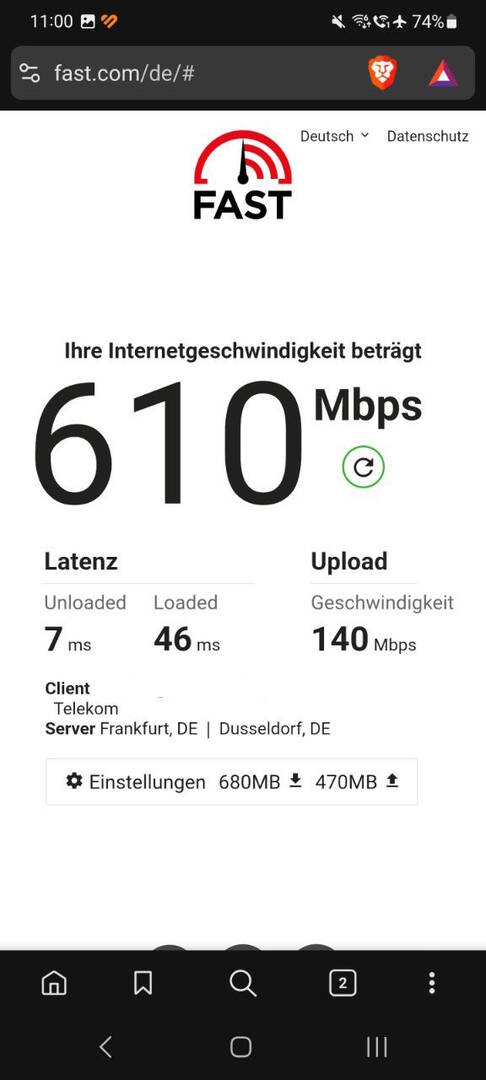
PC via LAN
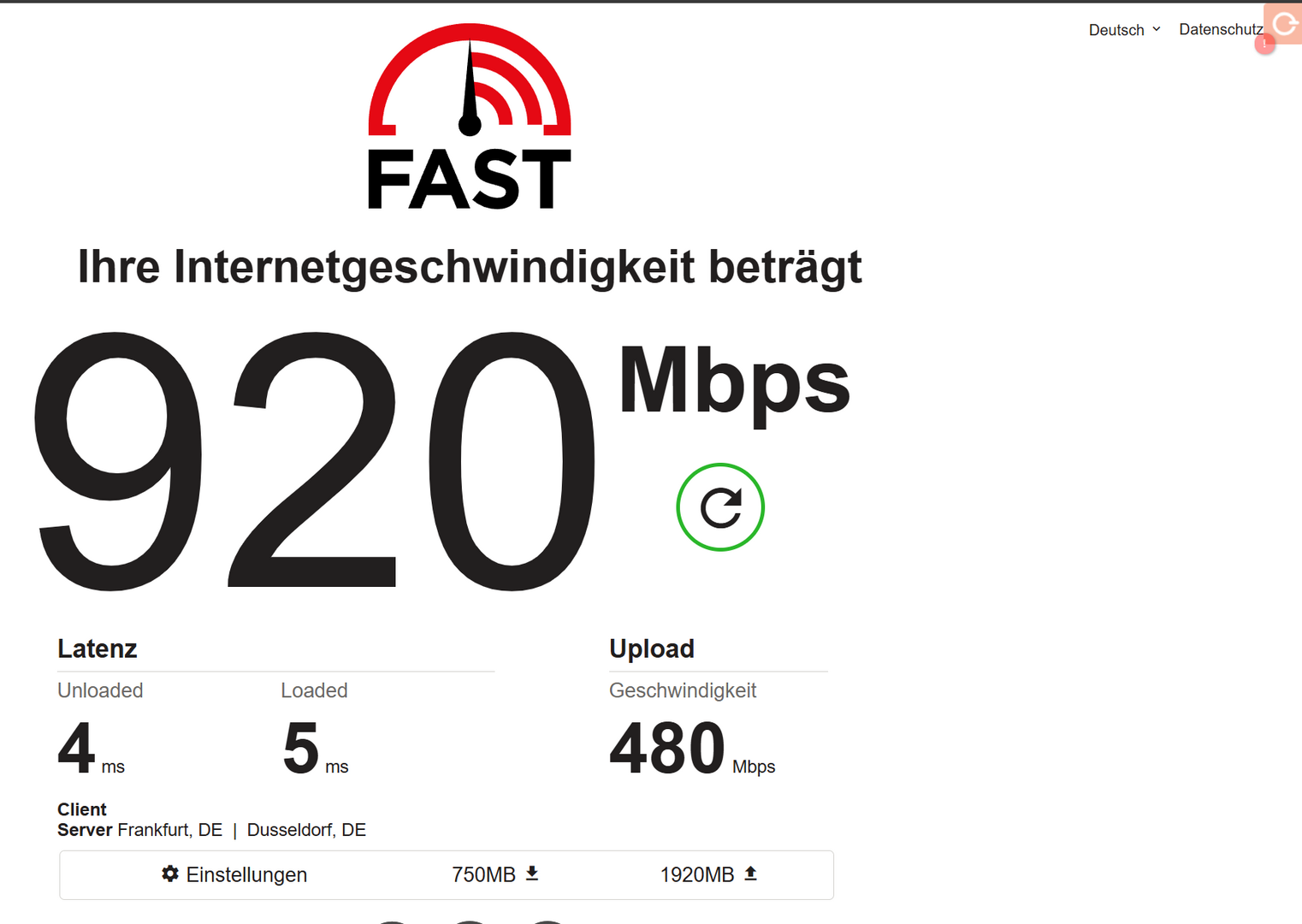
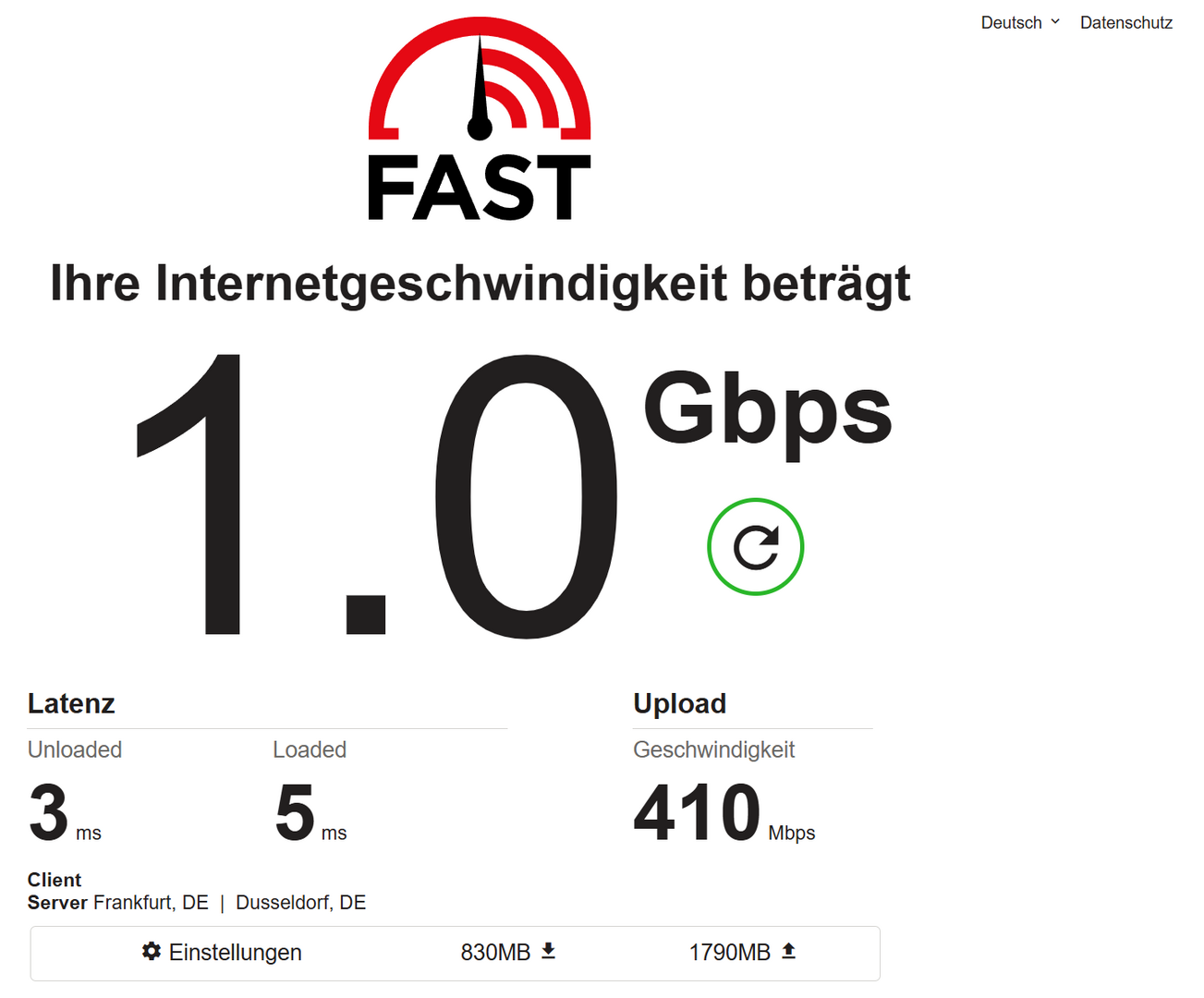
WLAN is always lower than LAN, but for me and my family no problem
Best regards
Ok thank you all for your inputs. It tells me that it is not eBlocker who is chocking the bandwith. This is helpful. On I go to diagnose more.