

Hello, everyone. I've had eblocker almost since the beginning. But I'd like to use the forum to ask about this problem.
For the past few hours, eblocker has been stuck in an update loop.
When you go to http://192.168.178.22/settings/#!/login, the following appears:
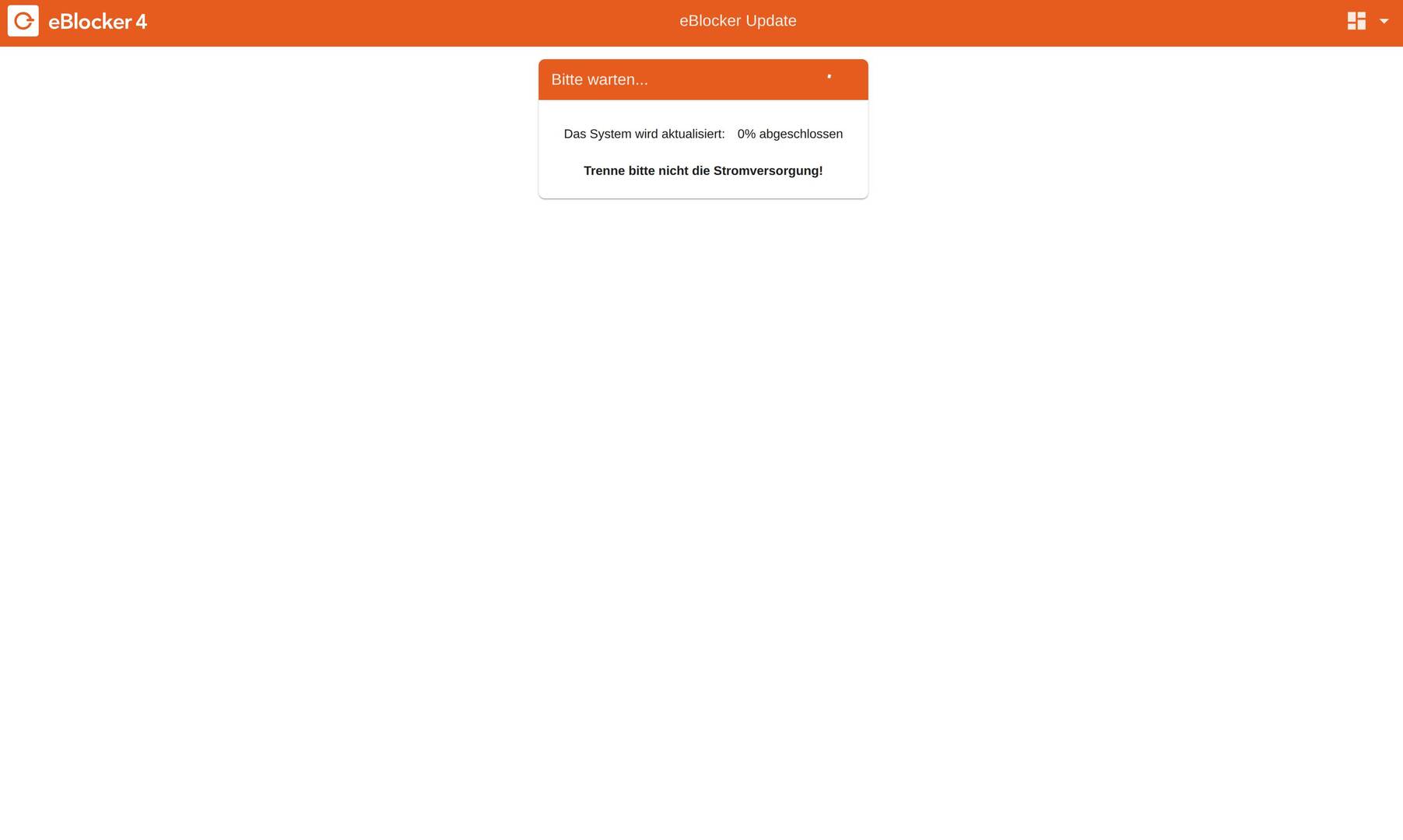
After clicking “Open Dashboard,” this appears after a short while:
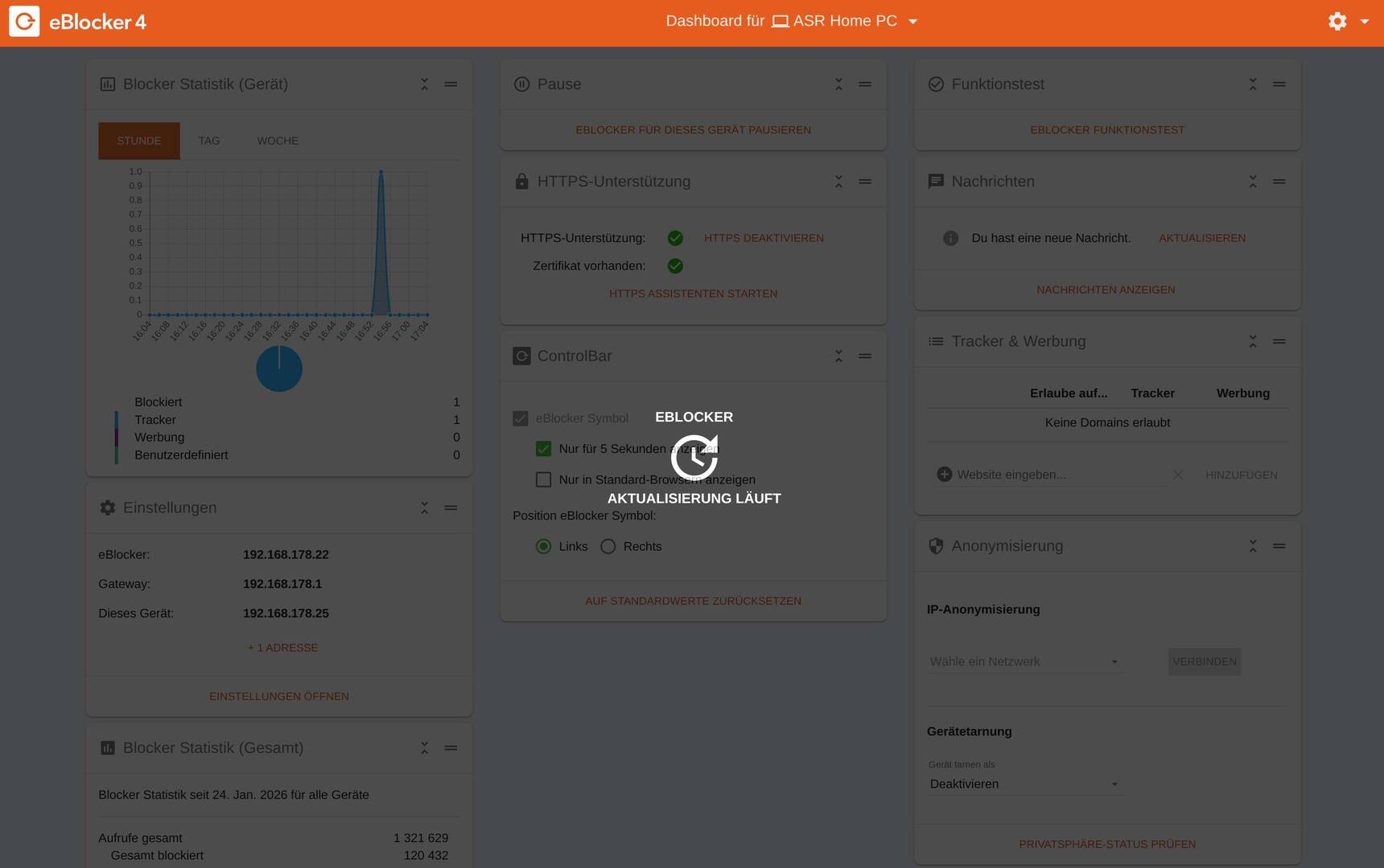
After accessing this link: http://192.168.178.22:3000/settings/#!/devices/list/ and navigating to License > Update this:
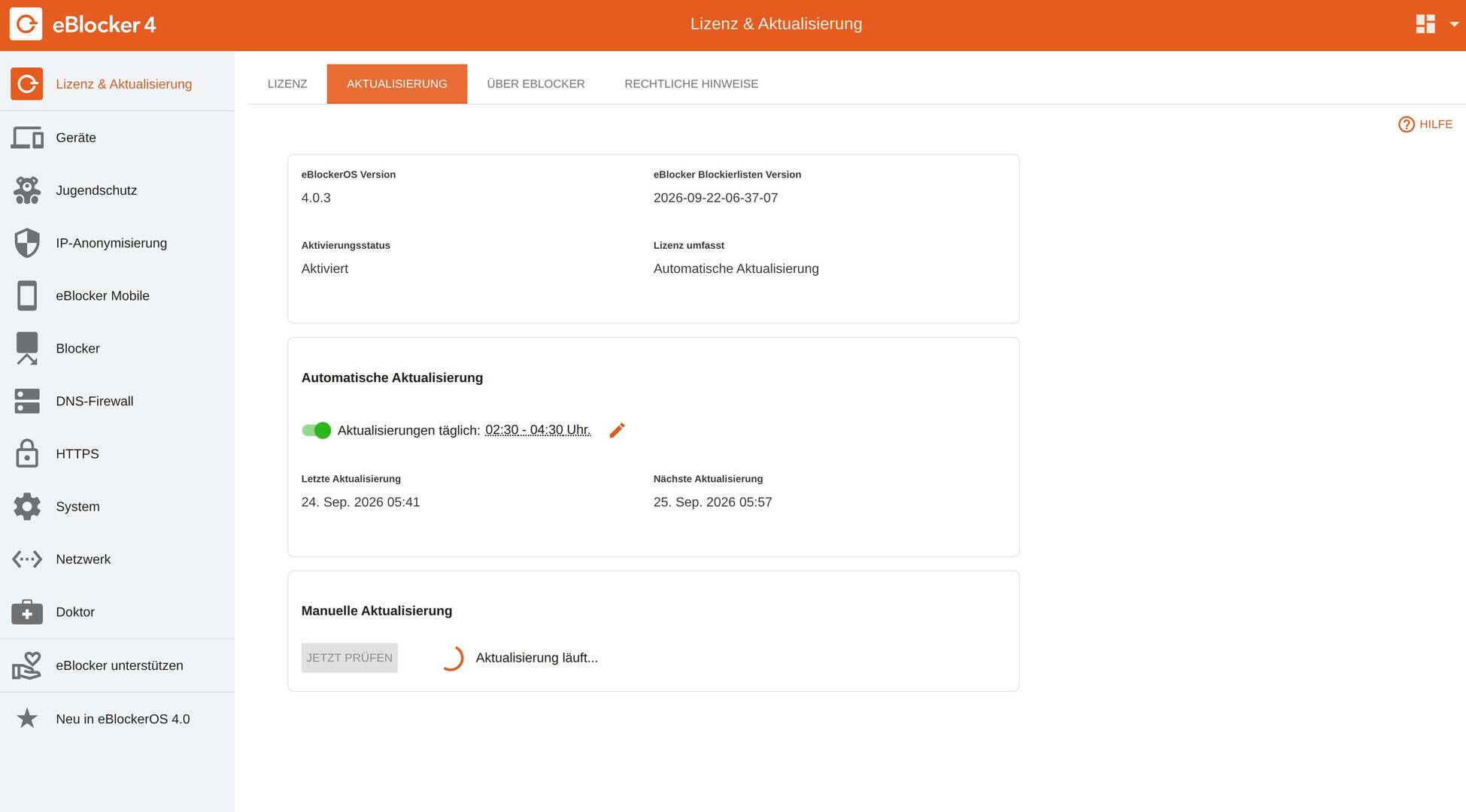
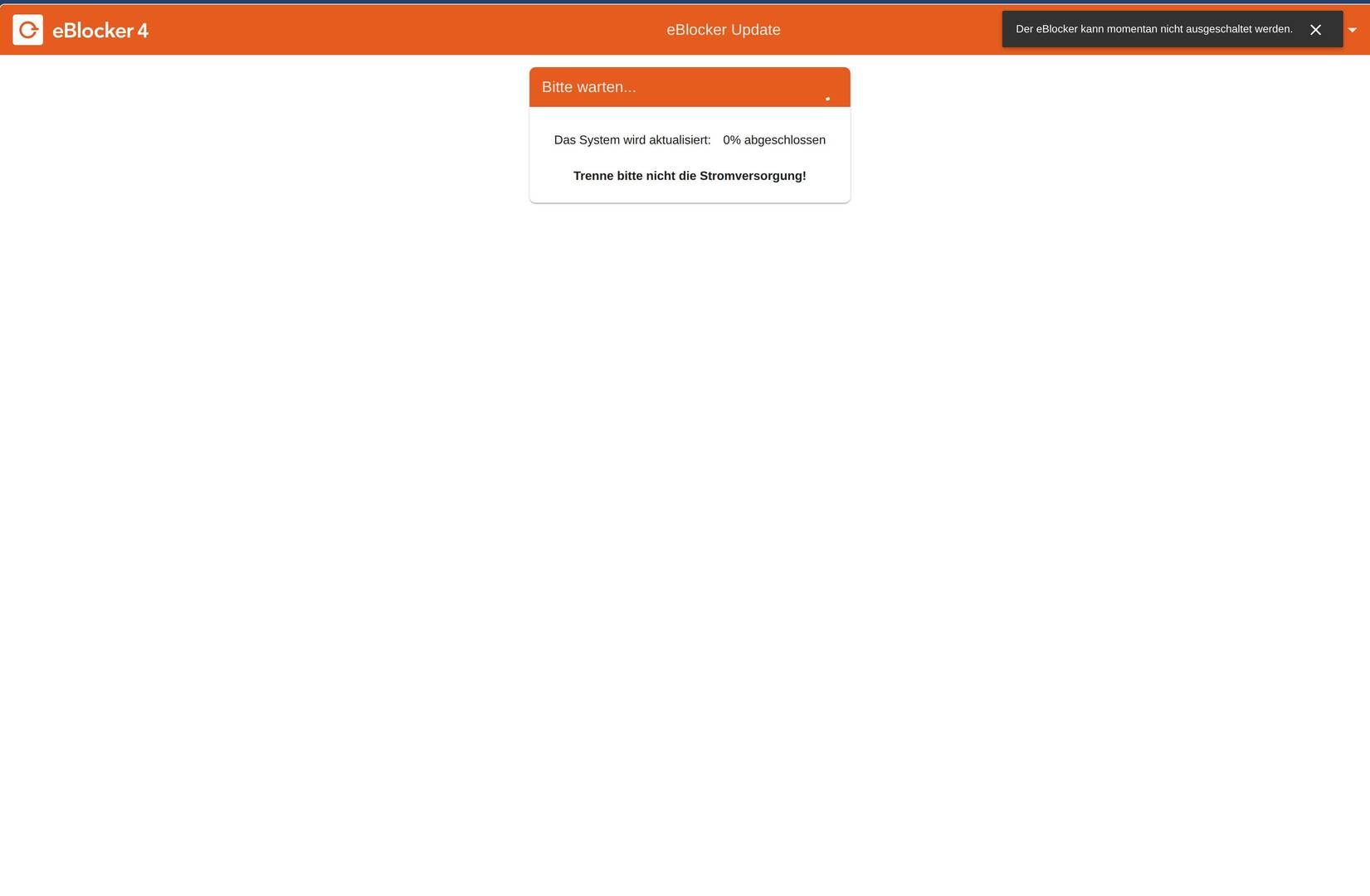
After that, I'm tempted to use “System > Restart” to restart or shut down the system, and this appears:
What can I do? Should I disconnect the power anyway?
Thanks for your reply
@thomasbeier-team-de Have you manually triggered the update or came this "updating" screen "out of the blue"?
Anyway it's usually OK to disconnect power and make a cold restart. Best if you make a backup of the config beforehand.
Good luck.
THX!
@random Thanks for the reply.
I disconnected and reconnected the power supply. Now everything is OK again!!!
But no, I didn't initiate a manual update; the update is set to “Automatic Updates.”
I'll keep an eye on how it behaves from here on out.
You can close this post.
Hello everyone,
Unfortunately, the error described has occurred again.
After disconnecting and reconnecting the power supply, everything was working again. Could this be a bug?
Best regards, Thomas
Hi Thomas,
the eOS 4.0.3 release seems to have some issue with memory usage on the Raspberry Pi with 2 GB. I have experienced some issues on my 2 GB test system where available memory was very low and the system froze.
In the upcoming release 4.1 we will hopefully solve that problem by assigning a better maximum RAM usage to the main Java process. I think the issue is related to the switch from 32-bit to 64-bit.
Best regards
Boris
Hi Boris
Thanks for the quick reply.
I think I gave the wrong details about my Raspberry Pi.
My Raspberry Pi has 4GB.
Best regards
Thomas
OK, in that case it cannot be a low memory issue.
You can go to System / Diagnostics and click the button: Generate Report.
It creates a Zip file (it might take a few minutes). Are there any errors shown in the "install-eblocker-updates.*" files?
I can also take a look at the report if you send it to "support AT eblocker.org".
@thomasbeier-team-de thank you for the diagnostics report.
I see that there was a successful update of the filter lists at
2026-10-17 04:37:09
That took only a few seconds. There were no errors logged during the update.
Do you know if the "updating" state was shown all the time until the reboot?
That would be interesting to know, because it would mean that the updating service did the update successfully, but then the following filesystem sync command never finished.
Hi Boris,
I’m only getting back to you today because everything has been working perfectly for the past few days.
It happened again today.
The update progress bar is running, but it’s stuck at 0%.
I opened the dashboard and accessed the settings from there.
When I tried to restart via System > Restart, the eBlocker rejected the attempt with the message: “The eBlocker cannot be restarted at this time.” .
After that, the message appeared again: “Please wait, the system is being updated: 0% complete. Please do not disconnect the power supply.”
Only by disconnecting the power supply was I able to get the eBlocker to restart.
Could the power supply or the SD card be faulty?
Best regards, Thomas Beier
Translated with DeepL.com (free version)
@thomasbeier-team-de I have never seen a sync command take more than a few seconds on a Raspberry Pi. So it might have something to do with the SD card.
I would wait for the next release eOS 4.1 which we are currently testing. It should come out in a few weeks. With that you have the option to backup all settings. So it should be very easy to replace the card.
I'll do that. Thanks for your help.
I'll let you know if the error is fixed after I try a new SD card.
Best regards,
Thomas