

I run the DHCP server at eBlocker 3.2.3. The DHCP server at my Fritzbox 7690 v8.0.2 ist switched off.
I want to set single-digit fixed IPv4 addresses for the infrastructure devices, i.e. repeaters and LAN access points, and two-digit fixed IPv4 for stationary devices, e.g. TV, PV inverter, AppleTV, Apple HomePods etc. And for all mobile devices the DHCP server should assign the IP addresses from the three digit number range.
As far as I see, I can not assign in the GUI of eBlocker how to specifically assign a fixed IP address to a specific gadget. But in the GUI of the Fritzbox it seems to possible.
Is it the right way to assign the fixed IP addresses in the Fritzbox GUI? Or is an other approach more appropriate?
@facebita If you want static IPs, just set the desired static IPs on your device. Done. DHCP will be ignored if the device has a static IP.
If you want dynamic IPs (distributed via DHCP) but assign a device the same (but not a static) IP address:
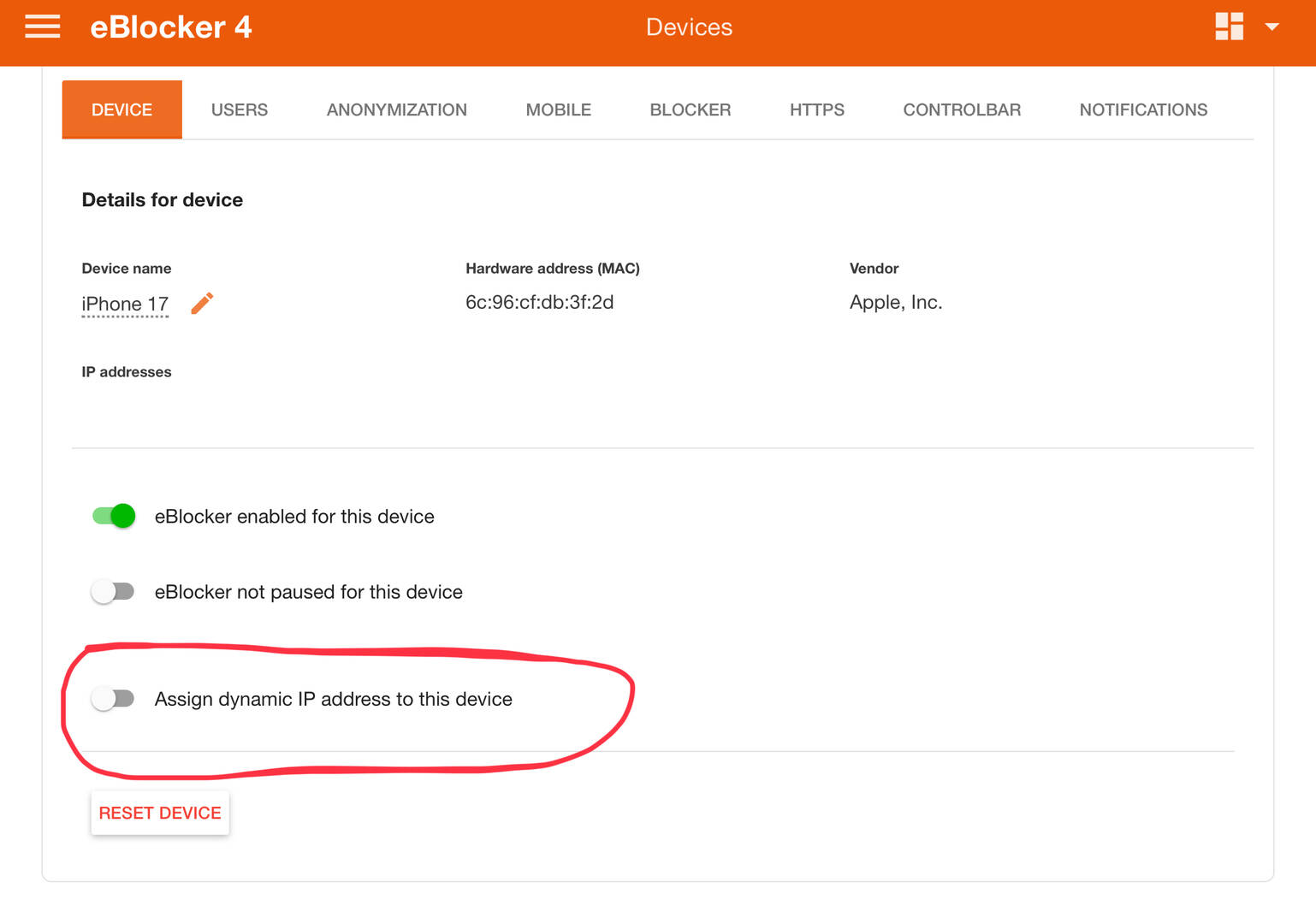
- Set the IP assignment of the device like this:
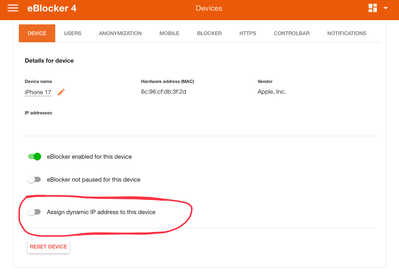

- Assign the desired IP address on the device manually as "static"
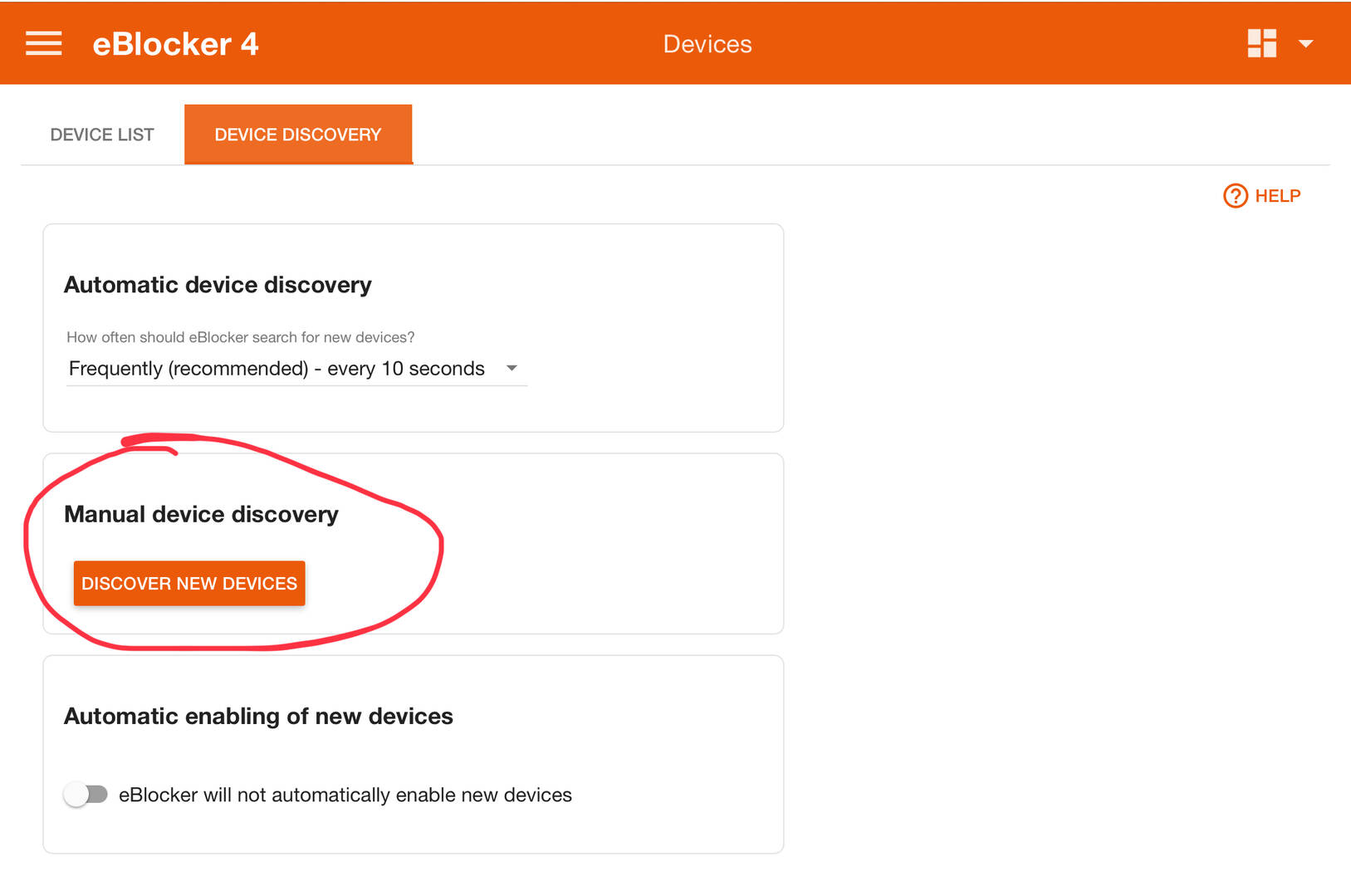
- Scan your network anew:
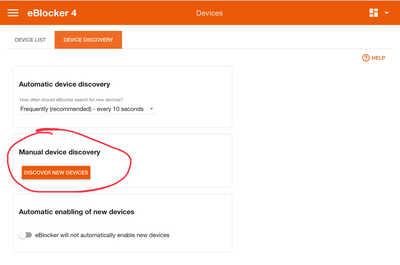
- Enable the switch you had disabled in step 1.
- Change the device to use DHCP (instead of the static IP)
- eBlockerOS will then always assign the same IP to the device via DHCP.
Just a personal remark: For all "infrastructure" devices that can not be moved (router, printer, eBlocker etc) do not use DHCP, but rather a static IP. Assigning fixed IPs via DHCP does not make much sense if the device is not mobile. Worst case: infrastructure stops working due to a faulty/absent DHCP server. With static IPs your infrastructure will continue working even if the DHCP server fails.
THX!
For all "infrastructure" devices that can not be moved (router, printer, eBlocker etc) do not use DHCP, but rather a static IP.
Where can I set the IP address of the eBlocker manually? And what is the right approach in order to change the IP address of the eBlocker without disturbing my local (W)LAN infrastructure (Fritzbox 7590 for internet access and WLAN, eBlocker running the DHCP server)?
@facebita eBlocker has nothing to do with manually setting static IP addresses! Just set the IP address on the device using the devices network configuration. Make sure to use an IP address not covered by the DHCP server.
Example:
Set the range .100 to .200 in eBlockers DHCP server (used by all mobile devices).
Use the range .1 to .99 for your non mobile devices (printer, server, router, switch, NAS etc.)
Go to the network configuration of each(!) non mobile device, disable "get IP via DHCP" (or similar) setting. Rather switch to "assign IP address manually" (or similar) setting. In the network config set the desired IP address that is unique(!) in your network. Say .10 - making sure no other devices are using .10 (as static IP). Done.
Honestly, reading your question "how to set a static IP" makes me wonder if it's really a good idea to change your network config - as this is a trivial question. Sorry. To me it seems you have not much experience/knowledge how TCP/IP works in general. No blame. It's OK to be a network noob. eBlocker does not require this knowledge neither.
This said, if were you and I wouldn't change a working system - just for the mostly irrelevant setting of some static IPs. Risk is very(!) high you mess up everything due to lack of basic IP networking knowledge.
Again, I'm happy to solve any eBlocker related questions. But please understand that I can not help with basic network setup nor with analyzing problems caused by (un-purposely) misconfigured networks.
My recommendation: Leave everything working as is and don't touch anything.
THX!
eBlocker has nothing to do with manually setting static IP addresses! Just set the IP address on the device using the devices network configuration.
Probably I did not express exactly what I meant: I think, the Raspberry Pi running the eBlocker is a device. And it is a network infrastructure device. Is it? So, where can I - as suggested above on 11/03/2026 9:36 a.m. - manually set the IP address of this device?
I think, this is an eBlocker related question, isn't it?
Setting a static IP address is a manual process in the network settings of the device you asign the address to. If you run Windows for example, disable client DHCP and set it to manual (which means a static IP address):
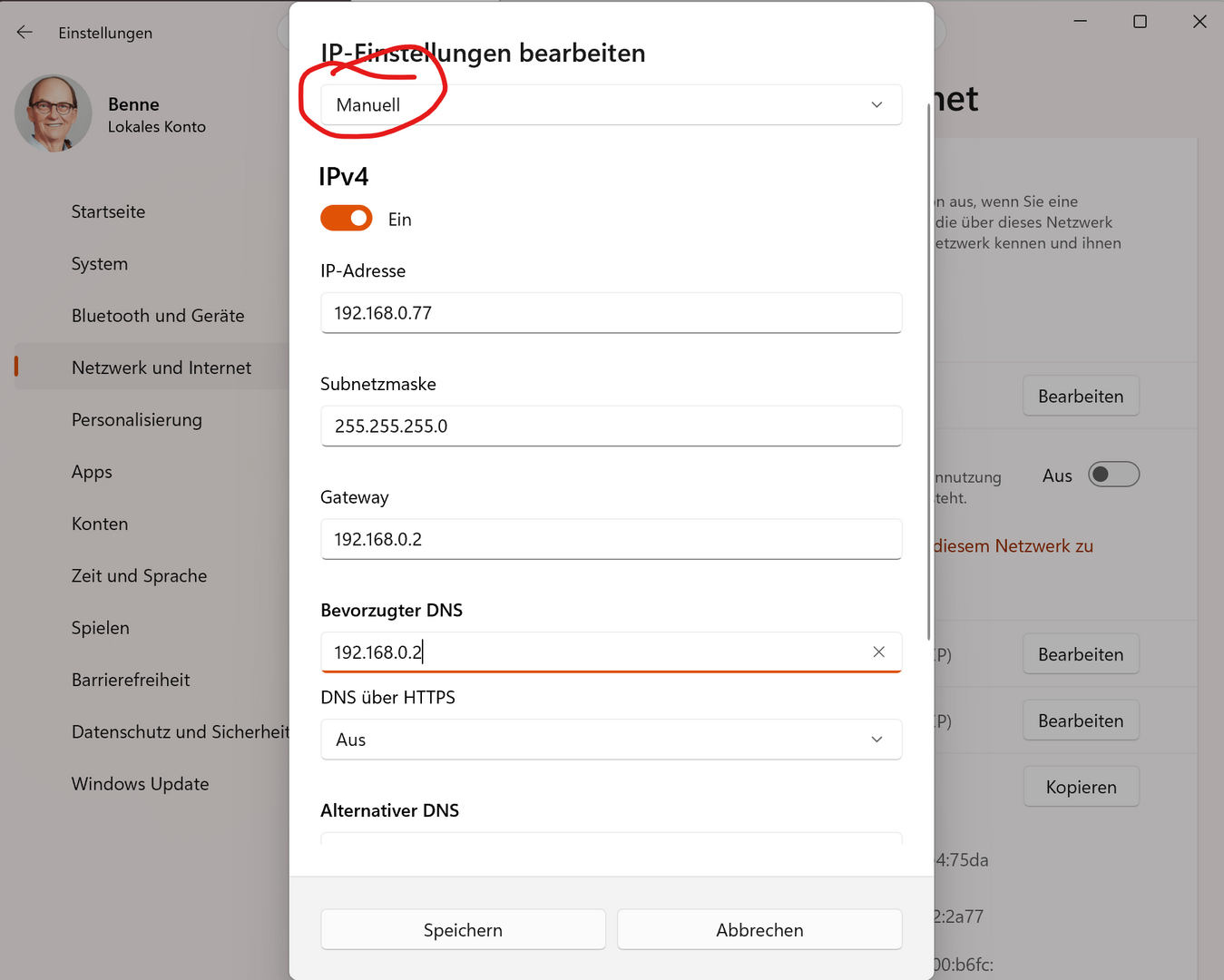
Same for iOS, Linux or other OS. Disable the client DHCP (sometimes called "automatic"), set to manual and assign the IP. That's it. Nothing to do with eBlocker at all.
And yes, you can (and should) also assign eBlocker a static IP address using Invidual or Expert settings. See docs here: https://eblocker.org/en/docs/eblocker-individual-network-setting/
Having said this, I aggree to @Random: Never change a running system unless you know exactly what you are doing. In this particular case here I feel, you might want to refrain from changing the settings - not to end up in a desaster.
If you still want to apply changes, I can only suggest to first learn how IP networks work, what DHCP does and why you don't need DHCP in a static IP setup.
Good luck anyhow 🍀