

View Categories

Reset your eBlocker license

To reset your eBlocker license go to Settings > License & Updates > License.

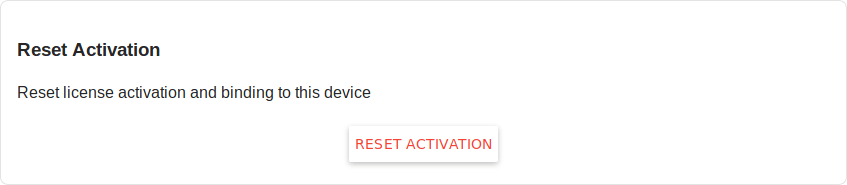
To reset the activation and license binding of the device, click on Reset activation.
system-reset-02-en.png

Factory Reset & License Reset #

Restoring the factory settings (Factory Reset) or inserting a new SD card with eBlockerOS also resets the activation for automatic updates. 

To reactivate your license you can use your license key again. In case you have no donor license please use the license key „FAMLFT-OPENSOURCE“ to activate all eBlocker features.

NEW: eBlockerOS 4 beta test
Download eBlockerOS 4 beta – also for Raspberry Pi 5

eBlockerOS VM-Edition Available
Runs on Win, macOS, Linux, Qnap, Synology and more

Scroll to Top