

eBlockerOS is free and so are manual updates. In order to receive automatic daily updates, we ask for a small donation to cover the operating costs. This section describes how to enable automatic updates and how to update manually.
In the eBlocker Settings > Menu “License & Update” you can determine which eBlocker filter list version is installed in the tab “Update”. Here you can also set at which time your eBlocker should automatically check for updates or whether you prefer to perform updates manually.
If you chose automatic updates, we recommend to perform the automatic update at night.
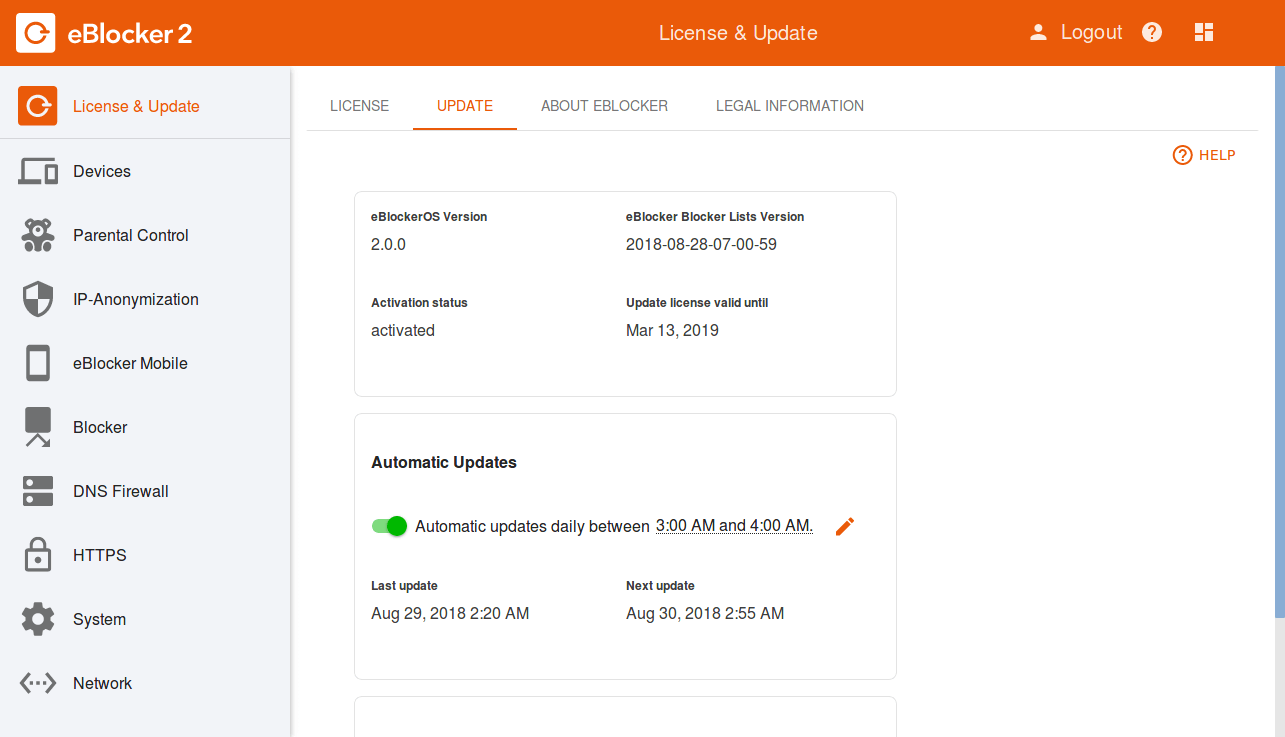
For free manual updates, you can hit the “Check now” button at any time. New filter lists are provided daily and eBlockerOS is also updated if there is a new software version available.
